Adjust Wireless Mouse Sensitivity: DPI, Settings & Tips
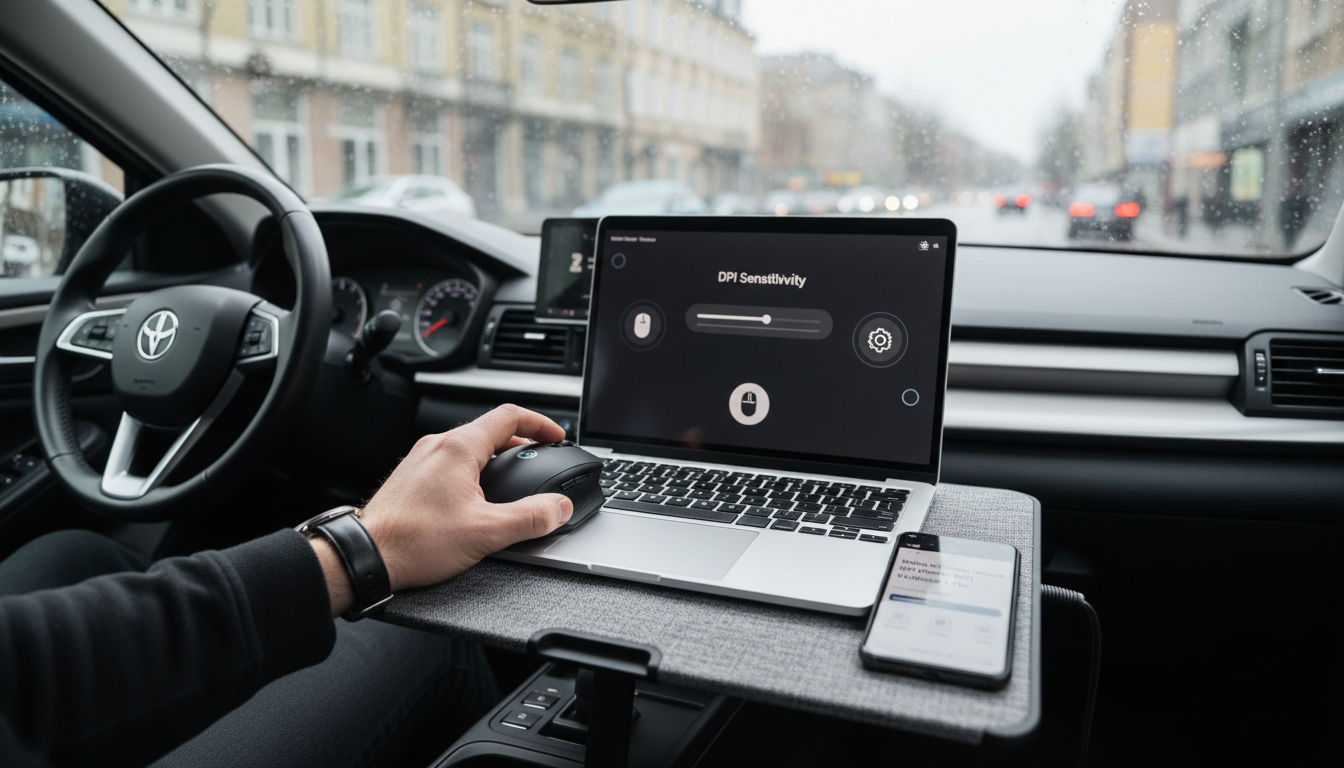
Can I adjust the sensitivity of my wireless mouse?
Yes. Most wireless mice let you adjust sensitivity by changing the DPI (dots per inch) setting, which controls how far the cursor moves for the same physical hand movement. Higher DPI feels faster and more responsive, while lower DPI feels slower and more precise.
How to change sensitivity on a wireless mouse
Start with the mouse itself. Many models include a DPI button (often near the scroll wheel) that cycles through preset levels; each press changes the cursor speed instantly. Some ergonomic and vertical mice also include a thumb roller or dedicated control that fine-tunes movement speed without opening any menus.
Next, check your computer’s settings. On Windows and macOS, the pointer speed slider adjusts how your system interprets mouse movement, which can help if the mouse feels too fast on a high-resolution display or too slow for a multi-monitor setup.
Using software for more precise control
If your mouse supports companion software, that’s usually the most flexible option. You can often set custom DPI values, assign a DPI “shift” button for temporary precision, and create different profiles for work, design, or gaming. If sensitivity feels inconsistent, disabling pointer acceleration (often called “Enhance pointer precision” on Windows) can make cursor movement more predictable.
When sensitivity changes don’t seem to work
If the cursor speed doesn’t change as expected, charge or replace the battery, try a different USB port (for mice with a receiver), and confirm you’re not hitting a “DPI lock” setting in software. Also consider the surface: glossy desks can cause tracking issues that feel like sensitivity problems.
For model-specific steps—especially for mice with a speed roller or on-device DPI controls—see the full guide here: https://lirete.com/guide-vertical-wireless-mouse-speed-roller-dpi-control/.
FAQ
What is mouse DPI, and what number should I use?
DPI is a sensitivity measure: higher numbers move the cursor farther with less hand movement. Many people start around 800–1600 DPI for everyday work, then adjust up for large or high-resolution screens or down for detailed tasks like photo editing.















Leave a comment