1920×1080 vs Full HD: Same Resolution or Not?
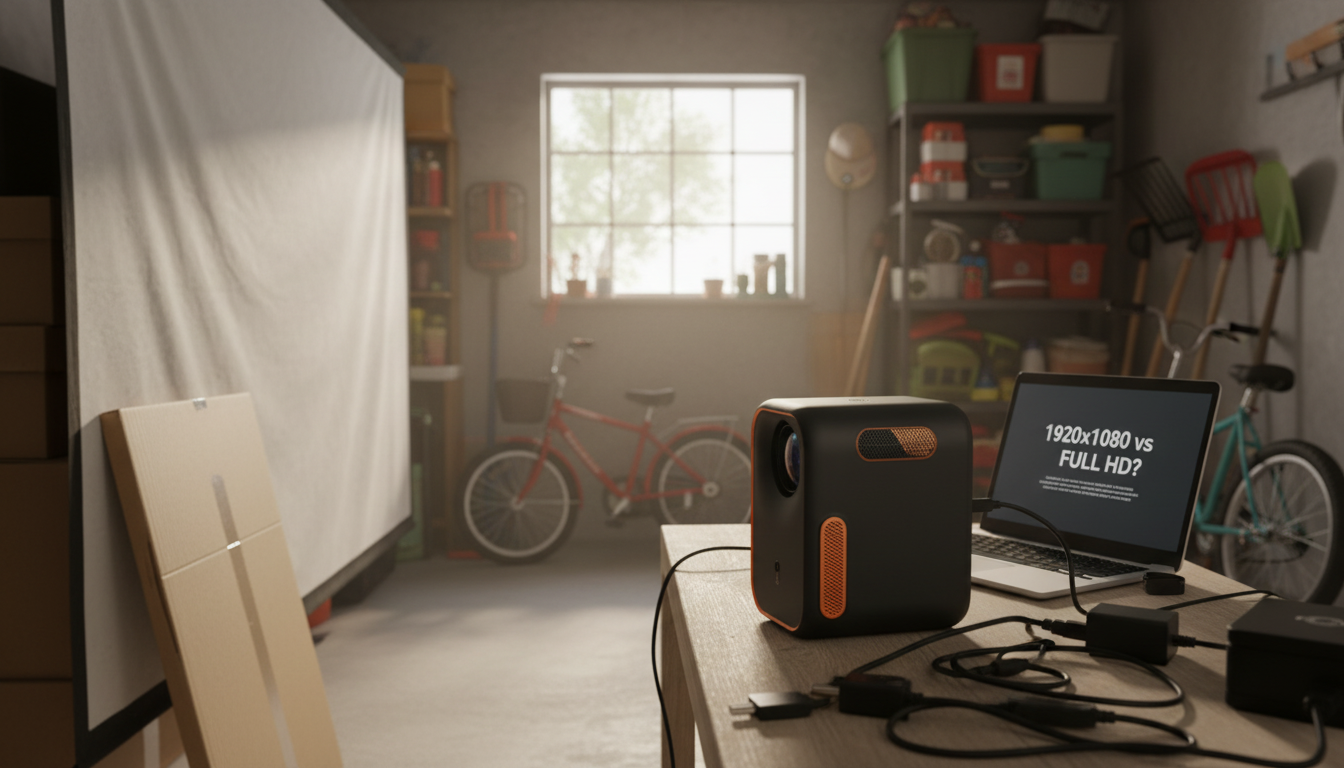
Is 1920×1080 the same as Full HD?
Yes. A resolution of 1920×1080 is the standard definition of Full HD (often written as “FHD” or “1080p”). The first number (1920) is the pixel width and the second number (1080) is the pixel height, which together describe how much detail a screen or projector can display.
What “1080p” and “Full HD” mean in real use
When a product listing says “Full HD,” it’s typically referring to a native display grid of 1920×1080 pixels. “1080p” describes the same pixel count while also implying progressive scan (the “p”), which is the standard for modern video playback. In everyday shopping terms, Full HD and 1920×1080 are used interchangeably.
Why this matters when buying a projector or display
For projectors, the key detail is whether 1920×1080 is the native resolution. Some projectors can accept a 1080p signal but have a lower native resolution internally, meaning the image is scaled and won’t look as crisp as true Full HD. If sharp text, subtitles, and game UI matter, verifying native 1920×1080 can make a noticeable difference.
If you’re comparing mini smart projectors or setting one up, the practical considerations go beyond resolution—brightness, focus uniformity, throw distance, and streaming setup all affect the final picture. For a step-by-step breakdown of what to look for and how to get the best image, see this 1080p mini smart projector setup and buying guide.
Quick takeaway
If a device truly outputs or displays 1920×1080 pixels natively, it qualifies as Full HD. When shopping, confirm “native 1080p” to avoid confusing signal support with actual display detail.
For 1920×1080 vs Full HD: Same Resolution or Not?, the best answer depends on fit, material, care instructions, and how the product will be used day to day.
FAQ
What is the difference between native 1080p and supported 1080p?
Native 1080p means the projector or screen has a true 1920×1080 pixel grid. Supported 1080p means it can accept a 1080p input, but it may downscale to a lower native resolution, reducing sharpness.















Leave a comment